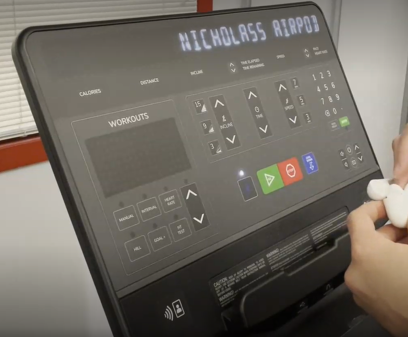
2/7/22: In order to connect Apple Airpods to the SL console, use the these instructions. Video
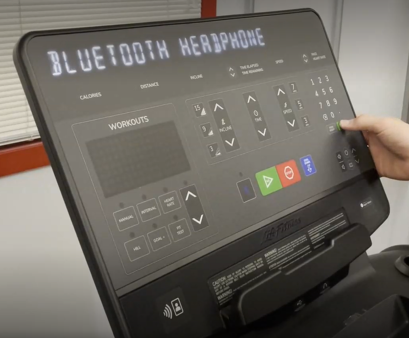
- Begin by pressing the Bluetooth button on the Console
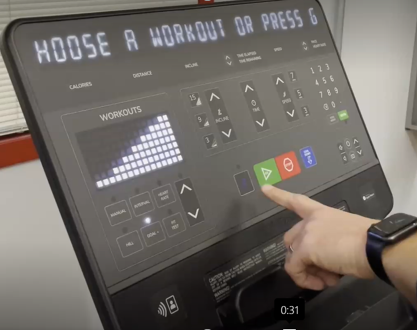
- Use arrows to select Bluetooth option. For headphones select “Bluetooth Headphone”
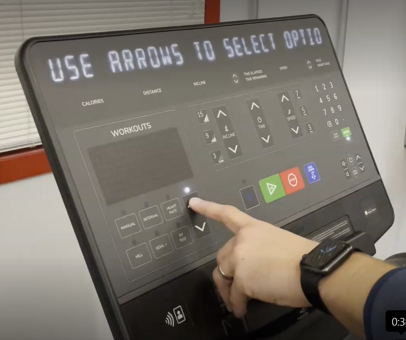
- Press ‘Enter’
- Place the Bluetooth headphones in pairing mode
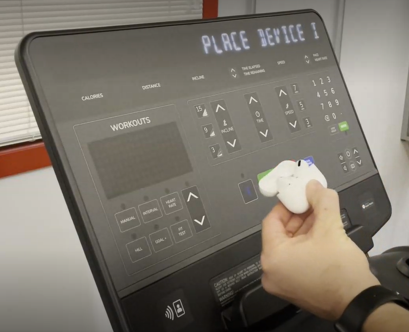
- Use arrows (if needed) to find headphones.
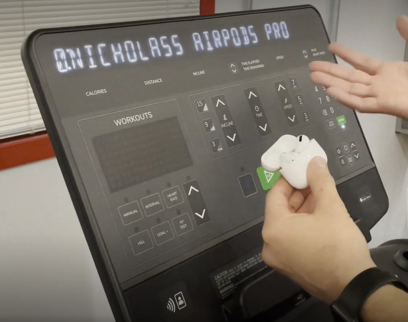
- Once the users correct headphones are found, press ‘Enter’
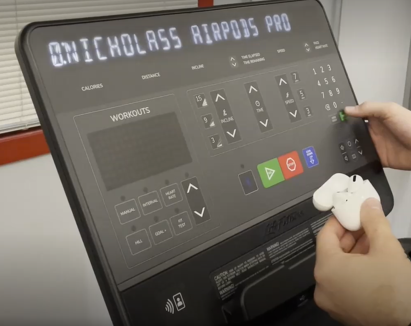
- Headphones will be paired and the light above the Bluetooth button will illuminate