9/15/21: If the Life Fitness Connect App is unable to launch, first try and close the app or shut down the phone. If that does not work, try and downgrade to a prior app version. Follow your phone specific operating system for either iOS or Android:
iOS
1. Open the App Store on your device running iOS 4.3.3 or later.
2. Go to the Purchased screen. For iPhone the Purchase screen is in the Updates tab.
3. Select the app you want to download.
4. If a compatible version of the app is available for your version of iOS simply confirm that you want to download it. For example, after purchasing iPhoto for your iOS 8 device, you can install an earlier compatible version of iPhoto from your iOS 7 device.
Android
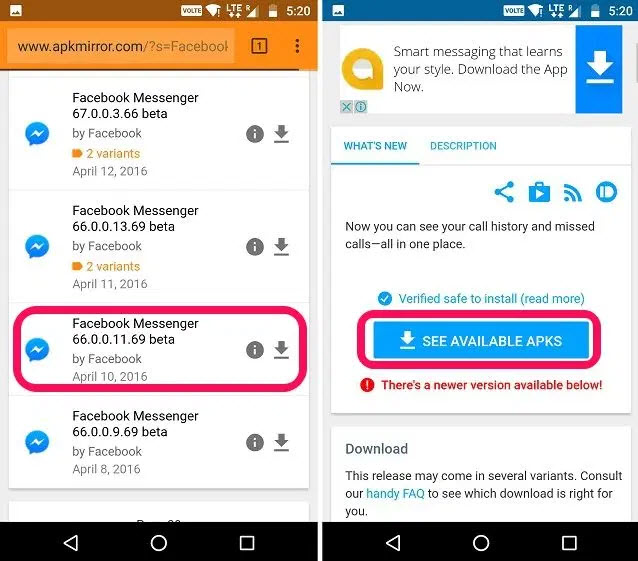
1. Locating an older app version can be found on APKMirror.
2. Search for the app on the site’s search bar and scroll down to check out for all the older versions listed that can work with the current changes.
3. Locate a prior version to download and install it on your Android device: