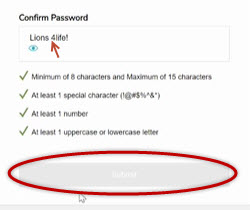
10/25/21: When an end user attempts to reset their password on the Life Fitness Connect App (Orange) or LF Connect Basic App (Blue) spaces or international characters within a password can not be used.
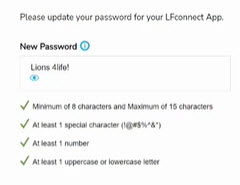
Unfortunately the submit button will be inactive, but all checks will be green (image below), so the end user will think they have met the password requirements.
Please make sure spaces and international characters are not used. Note: we are in the process of updating the password requirements screen to provide this instruction.
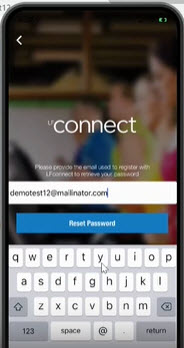
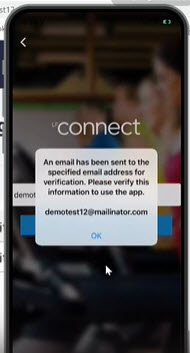
Email sent
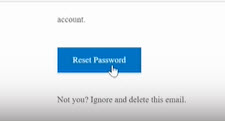
Enter new password, please make sure spaces and international characters are not used:
Please make sure password matches when confirming and that no spaces or international characters are used to successfully press submit: